How do I know that the angle of view has shifted on the i-PRO mini?
- Network Cameras
- Specification
By registering the initial angle of view, it is possible to be notified by lamp display, email notification or TCP alarm notification when the angle of view is shifted.
To register the installation angle of view, follow the steps below.
From the camera's 'Setup' menu,
・Go to [Image/Audio] -> [Image quality] menu.
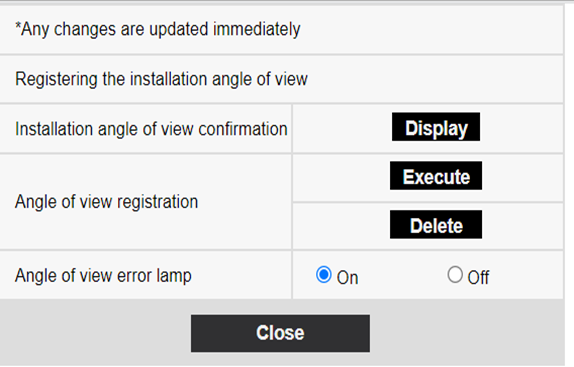
・Click on "Setup>>" of [Registering the installation angle of view]
・Then Click [Execute] to save the current position as the “installation angle of view”.
Article number:en123026
Last updated:June 13, 2025
Was this article helpful?
Thank you for your feedback!