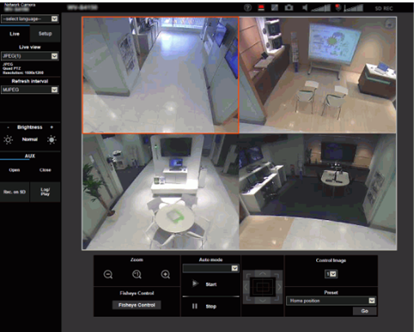
Can I control (PTZ) four screens all together in Quad PTZ?
- Network Cameras
- Specification
No, you can control only one screen that you select.
[ Procedure ]
1. On the “Live page”, select the screen number of the image from [ Control Image ] pull-down menus.
2. Control preset, zoom and control pad / button settings at the selected image.
Article number:en121306
Last updated:June 10, 2025
Was this article helpful?
Thank you for your feedback!