Why return the camera image rotation the default when connected to a recorder?
- Network Recorders
- Specification
Problem Description
Image rotation is configured on an i-PRO camera (Ex. 90 or 270 degree rotation).
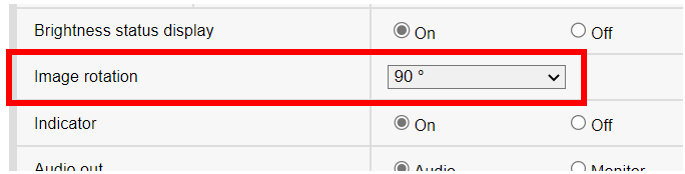
After some time, it defaults to its original rotation.
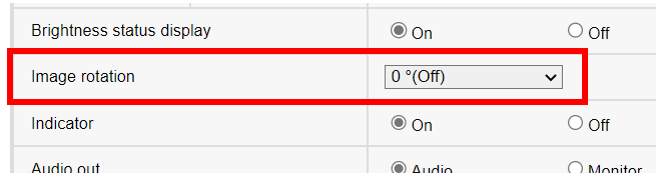
If the camera is registered to an NX or NV recorder, the NVR will continue to push specific parameters to the camera.
In this case, the resolution or Image Capture Size, which can affect the camera's rotation.
The following NVR’s push changes to the cameras:
WJ-NX400 / WJ-NX300 / WJ-NX200 / WJ-NV300 / WJ-NV200
This parameter should be configured on the NVR, not the camera. Refer to the following NVR menu:
NVR Setup > Rec & Event > Recording Setup > Recording Setup, click Setup
Locate camera(s) of interest, and under the Image Capture Size column, change the resolution aspect ratio from a 16:9 to 9:16, or from a 4:3 to a 3:4.
Example: Set 1920x1080 to 1080x1920
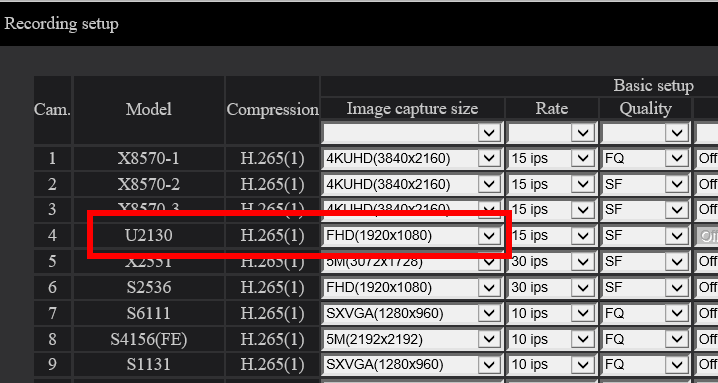
Default resolution is a 16:9 aspect ratio
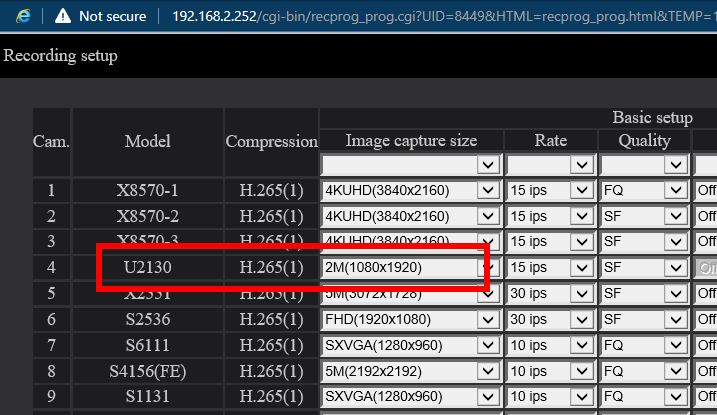
Set to a 9:16 aspect ratio to rotate the camera image by 90 degrees
The NVR will push this image rotation to the camera, setting it to 90 degrees.
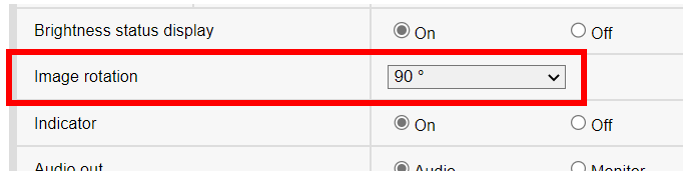
Camera Setup Menu > Basic > Image Rotation
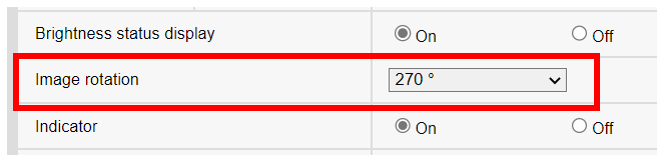
But if the camera’s image is upside down, at this point you can set the Image Rotation to 270 degrees.
Since this is still a 9:16 aspect ratio, the NVR will not make any further changes to the camera rotation.
Article number:us-en124481
Last updated:June 18, 2025
Was this article helpful?