How do I install the Vaxtor LPR Ext. software?
- Analytics
- Installation/Configuration
Please refer to the following procedure to ensure proper installation, as it may require additional RAM capacity.
In this case we need to make sure customer is using the camera latest firmware and the supported i-PRO AI camera's Ext. software Vaxtor LPR.
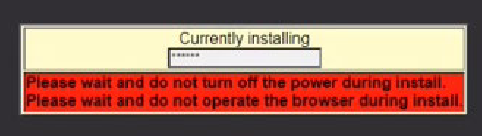
If during the installation Process, you see the message “currently Installing” but it closed and the LPR is still not installing, check the “Control Log” (Setup-Ext. Software – Control Log.)

If you see the following errors:
・Installation failure (RAM capacity limit) Vaxtor LPR MMC
・Illegal termination (RAM capacity limit) Vaxtor LPR MMC
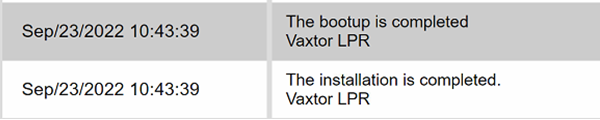
Go to Setup -Ext. Software -Software mng. And change the “RAM capacity expansion mode “ to On.

After this hit Set to save the changes and proceed to install the [i-PRO AI camera's Ext. software] Vaxtor LPR again.
The installation should go through, check the Control log again to be sure.

Article number:eu-en124446
Last updated:October 20, 2025
Was this article helpful?