How do I change the language on VI ViewerPlus?
- Video Insight VMS
- Installation/Configuration
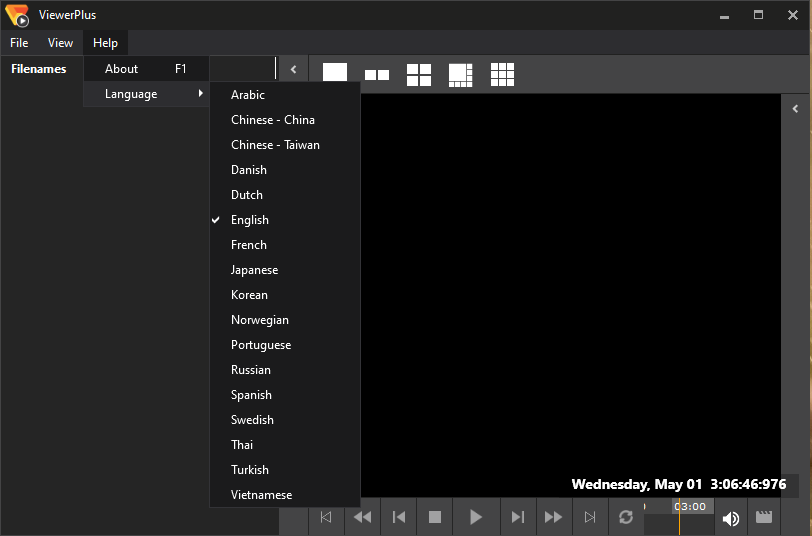
Open VI Viewer Plus and navigate to the Help menu. Open Language and select the desired language. Close and reopen VIViewerPlus.
NOTE: There are 17 supported languages as of VI v7.10.
English is 6th from the top.
Article number:us-en120971
Last updated:October 20, 2025
Was this article helpful?
Thank you for your feedback!