How can I display the camera’s previous user interface for the Setup menu?
- Network Cameras
- Installation/Configuration
Problem Description
In the newest i-PRO cameras and some camera firmware (latter half of 2022), the GUI has changed and offers a more compact user setup experience. However, not all camera configuration is available from these menu options.

To access the “Setup” menu, follow the steps below
Step 1.
Click the Setup icon

Step 2.
Click Detailed Setting
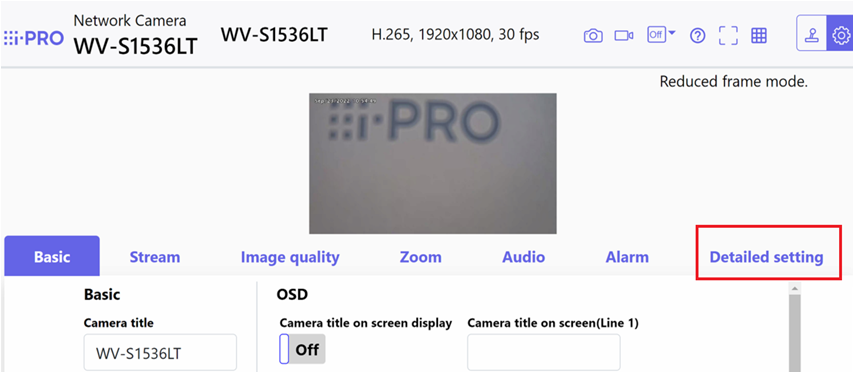
Step 3.
Click the Camera Detailed Setting icon

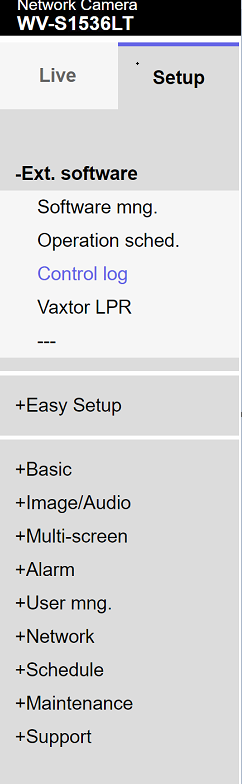
Step 4.
Browse the Setup menu with the familiar Setup GUI
Article number:eu-en124441
Last updated:October 20, 2025
Was this article helpful?
Thank you for your feedback!