How do I enable SSL in the Insight API for Web Client V7?
- Video Insight VMS
- Installation/Configuration
SSL can be enabled by using the API Config Tool.
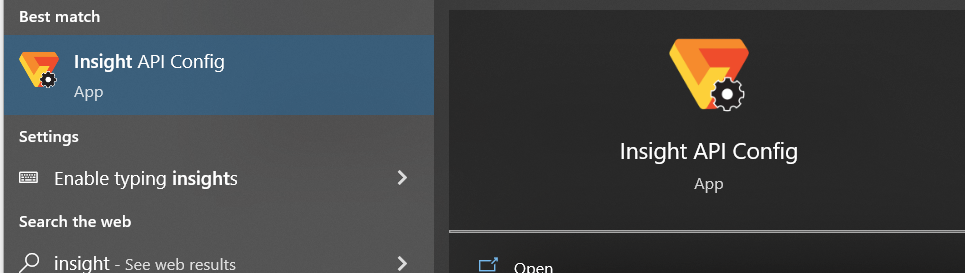
・To Enable SSL on the API Service, you must open the Insight API Config Tool on the IP Server
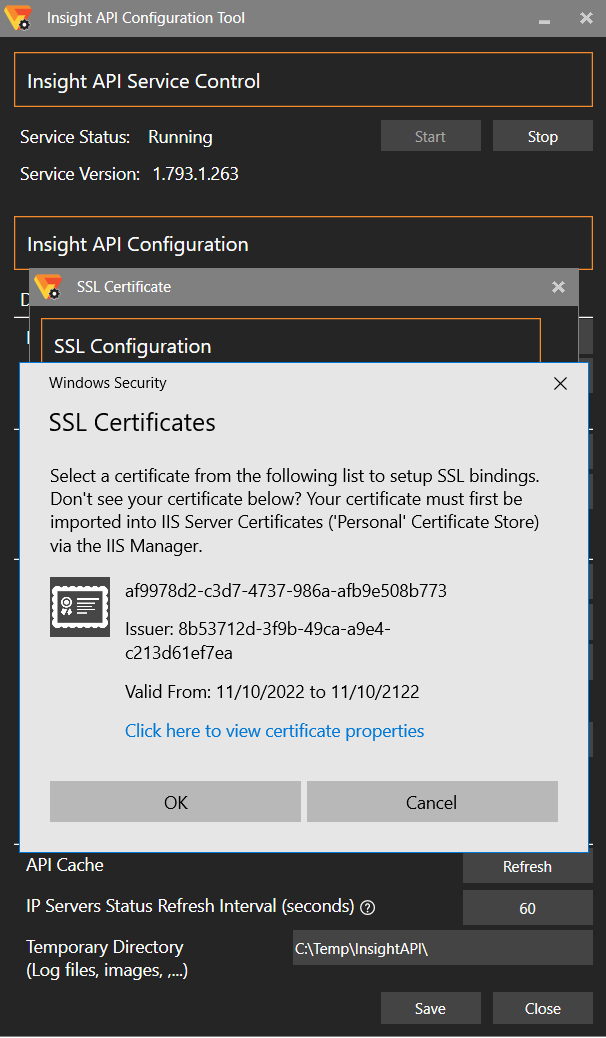
・Go to SSL Config

・You must Enable SSL and select the Certificate, hit OK, and Save.

・Restart the services
・After this Process the SSL Status should be “Enabled”

Article number:eu-en124256
Last updated:October 16, 2025
Was this article helpful?
Thank you for your feedback!