On the VI Mobile Plus app, why is my image upside down when I de-warp the fisheye camera?
- Video Insight VMS
- Troubleshooting
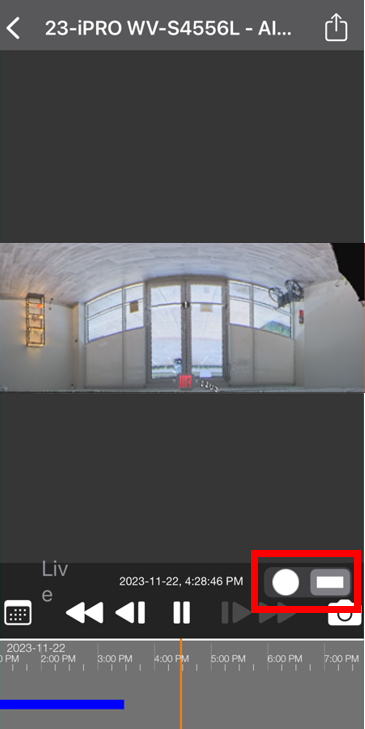
VI Mobile Plus app version 5.x, for iOS, now supports the de-warp of fisheye cameras. But when I perform this function, the de-warp image is upside down.
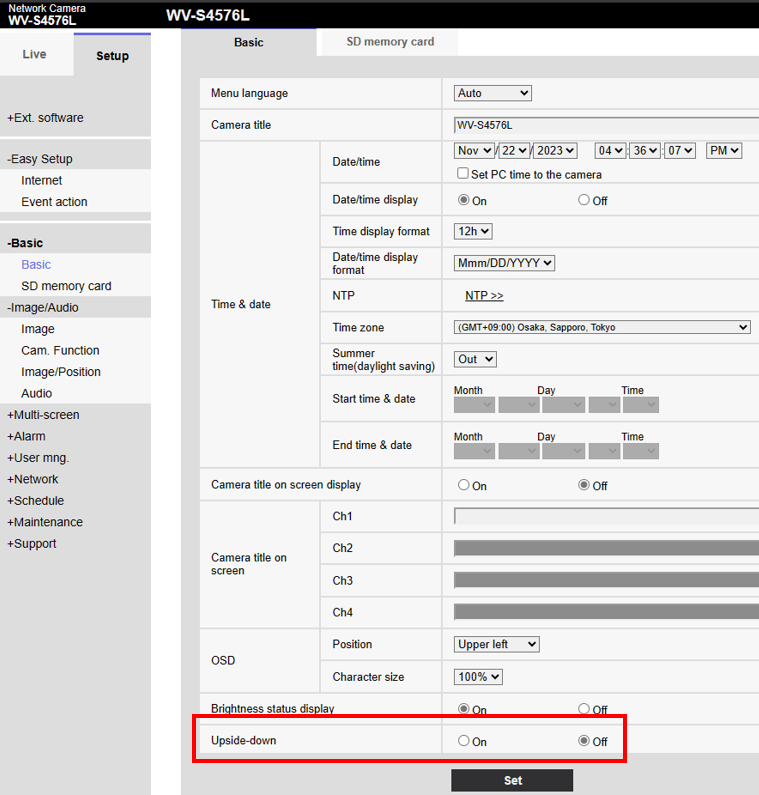
The Upside-down feature on the camera itself may be enabled. Check the camera settings, [Setup] → [Basic] → [Upside-down] → set this to Off, and click Set
Check camera settings. Edit if necessary.
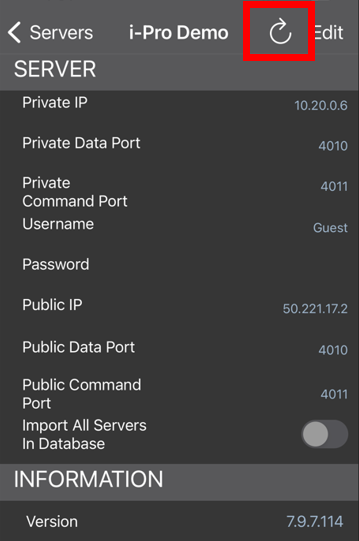
Reload the IP server on the mobile app. (deleting server and re-registration may be required)
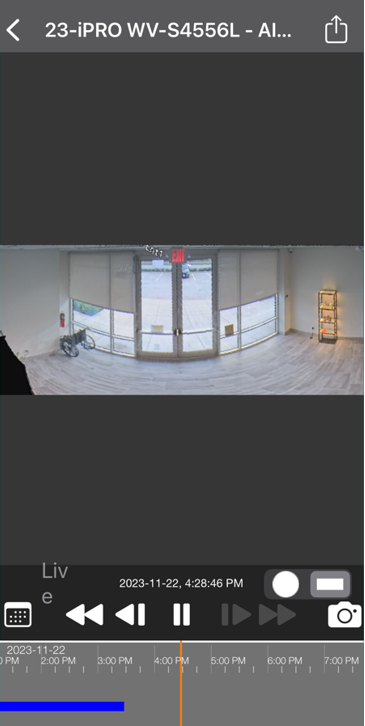
Check the de-warp image and confirm proper image orientation.
Article number:eu-en121351
Last updated:June 06, 2025
Was this article helpful?
Thank you for your feedback!