Why the cameras added to NVR are not displayed in the device tree of WV-ASM300?
- Network Cameras
- Network Recorders
- Management Software(ASM)
- Troubleshooting
Problem Description
Cameras were added to any of the i-PRO network recorders. These cameras can be viewed and playback when directly connecting to the NVR, but they don’t appear in the WV-ASM300 device tree.
The WV-ASM300 software will not auto-sync with the NVR. Any changes made to the NVR, such as adding or removing cameras, will not be automatically reflected in ASM. You need to manually update the NVR information registered on WV-ASM300.
Step 1.
In the ASM300 Settings, access the Device Setup page for the NVR and click Edit on the NVR
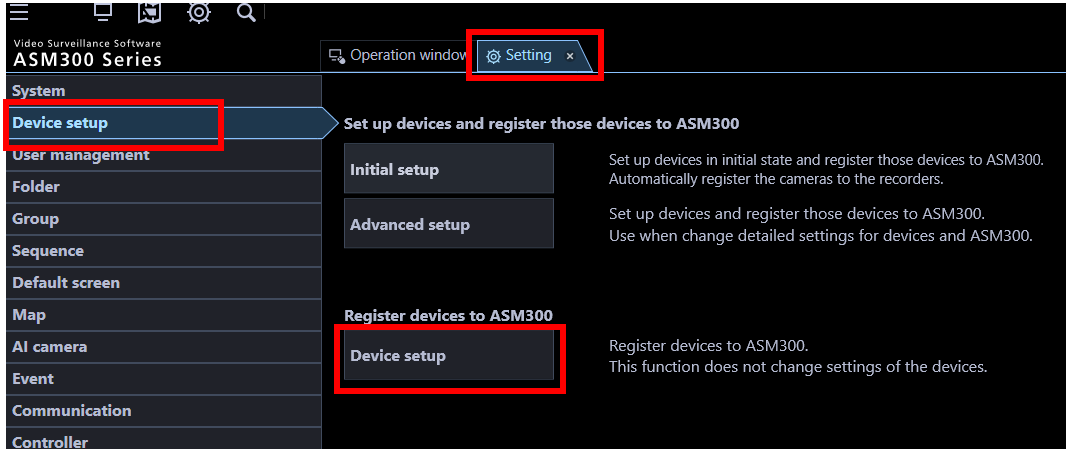
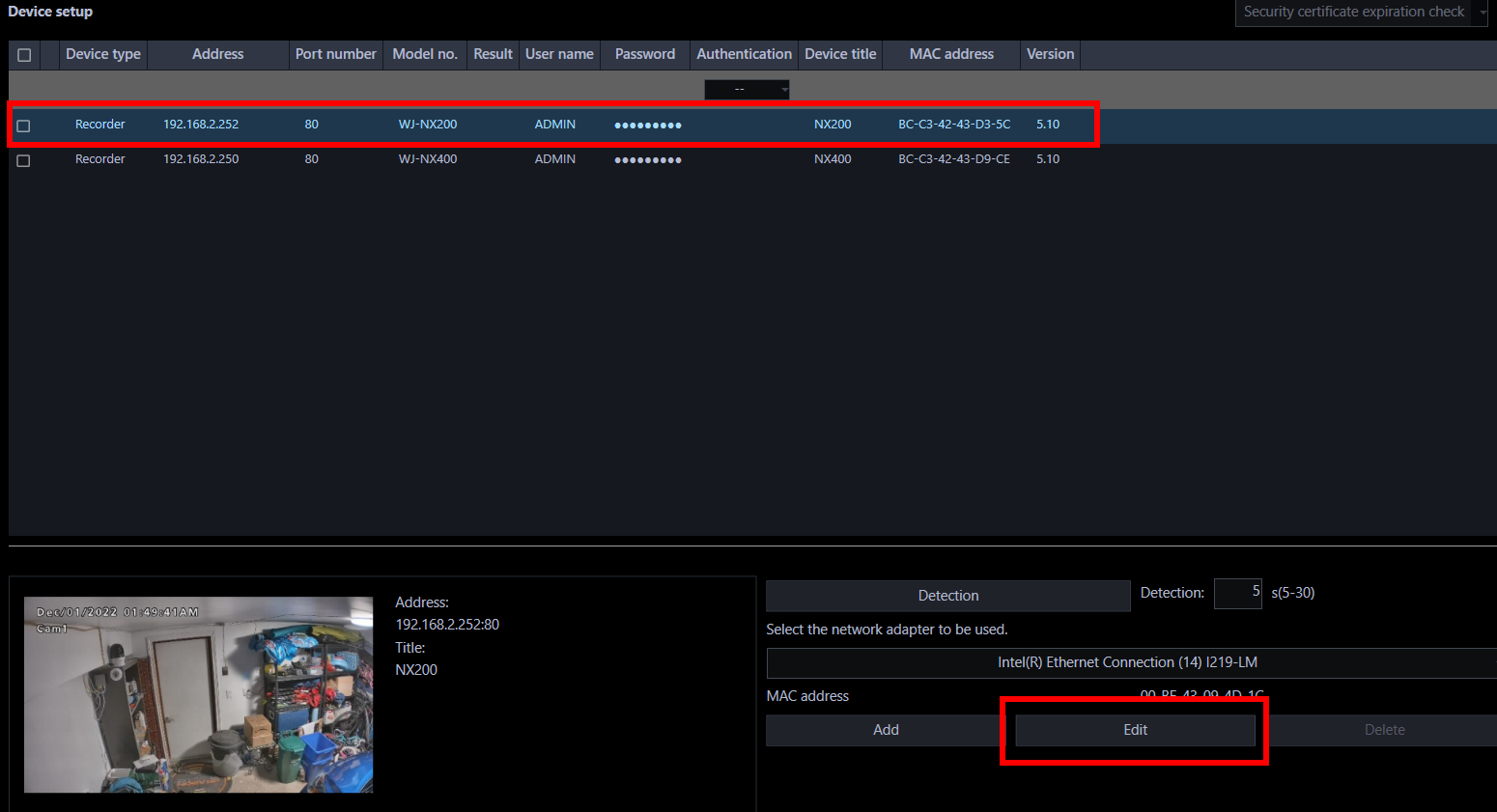
Step 2.
Perform a Download of Device Information, then click Set.
This will update the ASM300 camera details for that NVR.

Step 3.
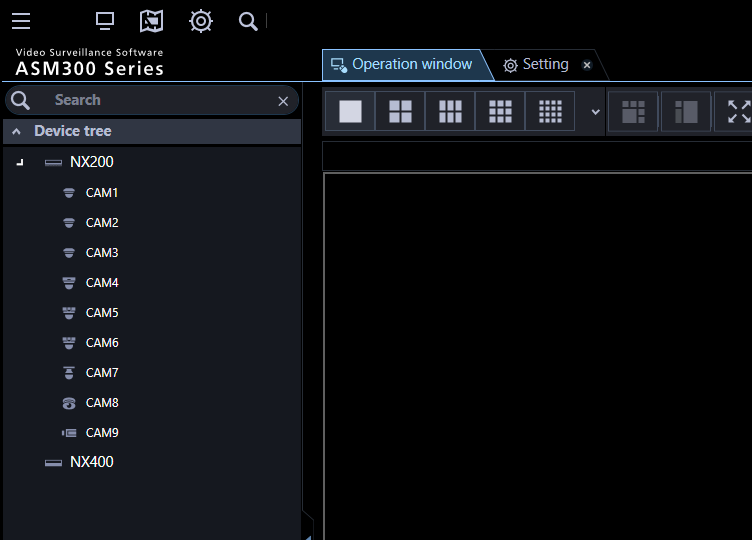
Review ASM300 operations and ensure the new cameras are displaying
Article number:apac-en124691
Last updated:June 24, 2025
Was this article helpful?
Thank you for your feedback!