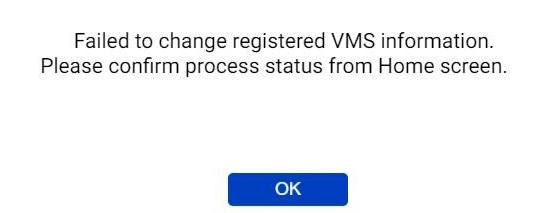
When trying to register a Milestone server during Active Guard installation, the error "Fail to change registered VMS information" is displayed and it cannot be registered.
- Analytics
- Troubleshooting
Problem Description
Please make sure that Active Guard is installed according to the correct installation procedure.
Here's an overview of the steps: After installing Milestone Server, install Active Guard Server.
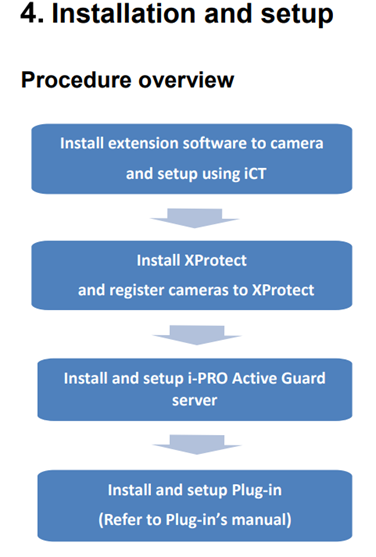
Details of each procedure can be obtained from the following manual.
https://i-pro.com/products_and_solutions/sites/default/files/2024-03/i-PRO Active Guard Setup Instructions for XProtect.pdf
Chapter 4. Installation and setup
Note:
Active Guard Server must be installed on the Milestone XProtect event server side.
Article number:apac-en122431
Last updated:June 23, 2025
Was this article helpful?
Thank you for your feedback!