User ID and Password for the KMS (Key Management System) site are too difficult to remember.
- Installation/Configuration
- License Registration
Problem Description
Instead of taking note of these credentials, the customer keeps creating new KMS accounts.
KMS user IDs and passwords can be changed; we recommend you to register all your products under one account. This makes it easier to manage licenses and activation codes in the future.
To change the KMS User ID and Password, follow the steps below:
Step 1. Login to the KMS site
Key Management System
Step 2. Change your Password
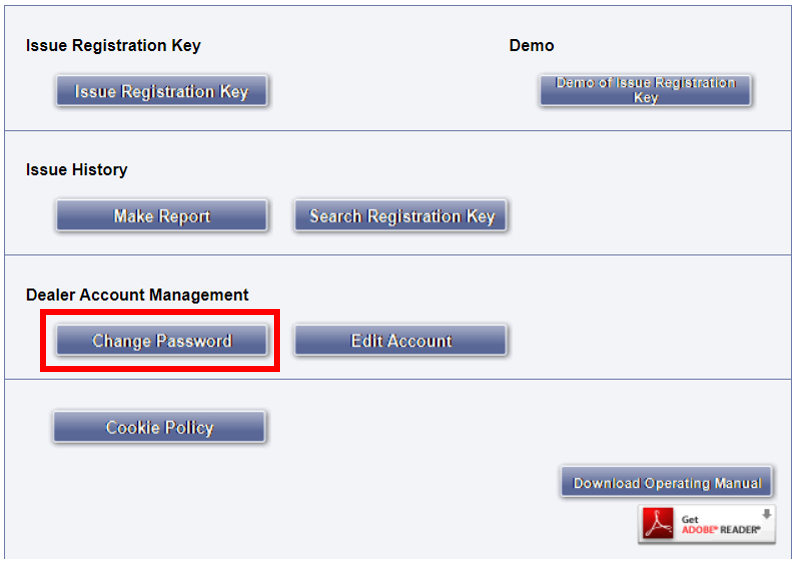
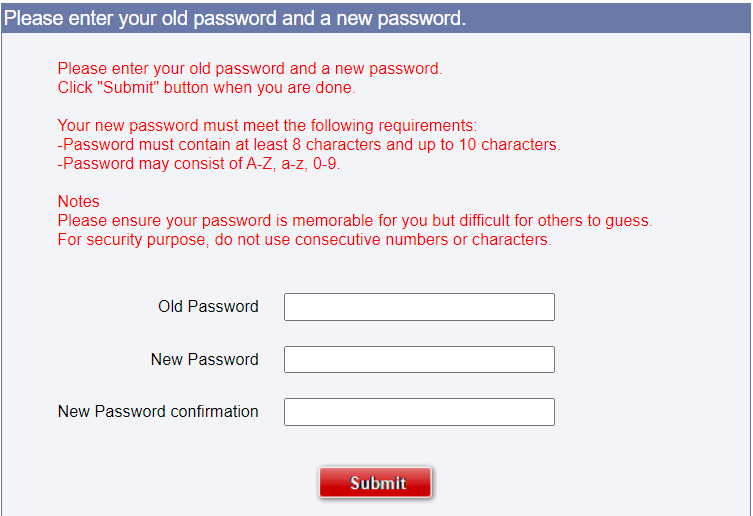
On the main menu, click Change Password and follow the prompts to enter a new password.
Step 3. Change your User ID
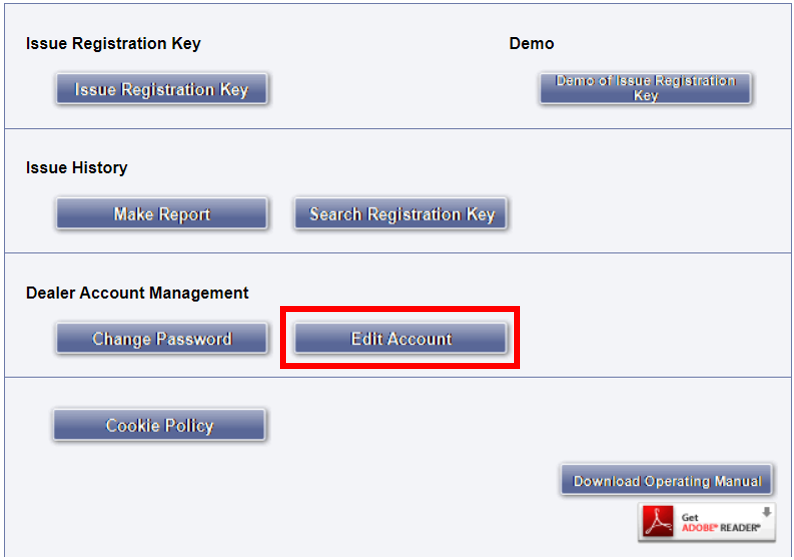
On the main menu, click Edit Account and you’ll have the option to change the auto generated User ID to something more relevant to you.

Article number:us-fr124841
Last updated:October 20, 2025
Was this article helpful?
Thank you for your feedback!